Good morning. It’s まさきん.
Right after I installed a delivery box at home, I switched my everyday household goods over to Amazon’s Subscribe & Save service. Going through my past order history while setting it up, I ended up saving more than I expected.
It started with noticing I kept buying the same things
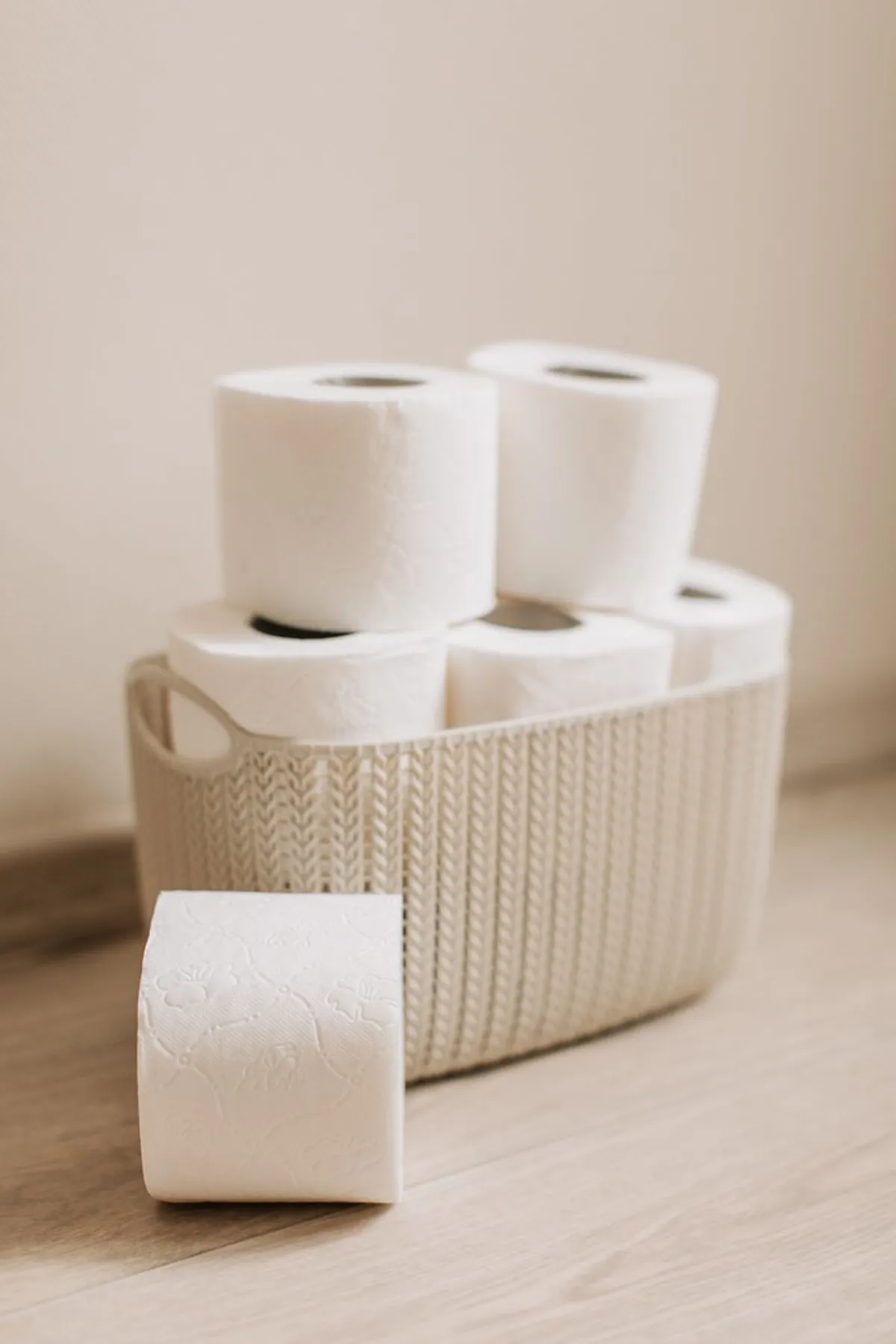
Things like toilet paper and detergent, I buy almost the same product every single time. So I figured switching to a subscription instead of ordering each time would mean a discount and less hassle.
With a delivery box at home, I don’t need to worry about timing deliveries either. That fit well with a subscription setup, which is part of what pushed me to switch.
What I set up, and how I chose it
First, I went through my past orders and picked out the consumables I’m almost certain to keep buying the same version of.
- Paper products like toilet paper and tissues
- Refill packs for body wash and shampoo
- Everyday household items like detergent and fabric softener
On the other hand, I left out anything where my preference changes often, or things I’d rather pick out in person at a store. The trick, I think, is keeping the subscription to only the items you can confidently say “this exact one is fine forever.” There’s a similar mindset in auditing overlapping subscriptions, I think.
While reviewing these small everyday fixed costs, something else caught my attention. A much bigger fixed cost I pay almost the same amount for every month: my phone bill. Just like with the subscription items, maybe a phone bill only changes once you actually sit down and review it.
As it happens, I found a campaign that’s a good excuse to review your phone costs. I wrote up the details in this article.
If the simulation results have you curious, take a look at the link below too.
Clicking this opens the Rakuten login page. Once you log in, you’ll see the campaign details.
The savings aren’t just about the discount rate
Subscribe & Save offers a discount for bulk orders and ordering multiple items together. But the savings I actually felt weren’t only about that discount rate.
Not having to scramble and buy something overpriced at a convenience store because I forgot to reorder — that’s been quietly effective too. Forgetting to buy household goods tends to lead to pricier purchases at convenience stores. With a subscription, that situation simply doesn’t come up in the first place.
Combining the discount with avoiding those opportunity losses, I estimate the savings add up to almost 30,000 yen a year.
One thing to watch: your stock becomes invisible
There’s one thing worth being careful about with subscriptions. If you set the delivery interval too long, the next batch arrives before you’ve used up the current one, and your stock just keeps piling up.
If you factor in that storage space itself has a cost, setting the interval too long just because it’s cheaper is worth reconsidering. I keep adjusting the interval based on how fast I’m actually using things up.
Set a schedule to review it, too
Setting it up once isn’t the end of it. Some products drop out of the subscription program, and better alternatives sometimes show up.
Deciding on a recurring check-in, every few months, makes it easier to keep up with changing discount terms. For the bigger picture on reviewing fixed costs, my earlier post on getting started with reviewing fixed costs might help too.
Who this is for
- Anyone who keeps buying the same consumables and wants less ordering hassle
- Anyone who tends to forget to reorder and ends up paying more at a convenience store
- Anyone who already has a setup like a delivery box that makes receiving deliveries easy
Wrap-up
Switching household goods to a subscription service feels like it saves more through “never forgetting to reorder” than through the discount itself. As long as you remember to periodically review what you’ve set up, it feels like a quiet but steady way to cut fixed costs.
Clicking this opens the Rakuten login page. Once you log in, you’ll see the campaign details.
This article contains affiliate advertising. If you sign up for a product or service through a link on this site, we may receive compensation from the partner company. The site operator is also an employee of Rakuten Group and may receive compensation through an employee referral program. The content and opinions here are based on the operator’s own experience and research regardless of any advertising relationship, but please read with the above in mind. See the Disclaimer & Affiliate Disclosure for details. Disclaimer & Affiliate Disclosure
This article includes machine-translated content. Please check the official Rakuten Mobile multilingual page for exact terms.
If you have concerns about Rakuten Mobile coverage or signal quality, you can consult through the official signal improvement request form .