Good morning, it’s まさきん.
I previously wrote about the steps for switching to Rakuten Mobile via MNP.
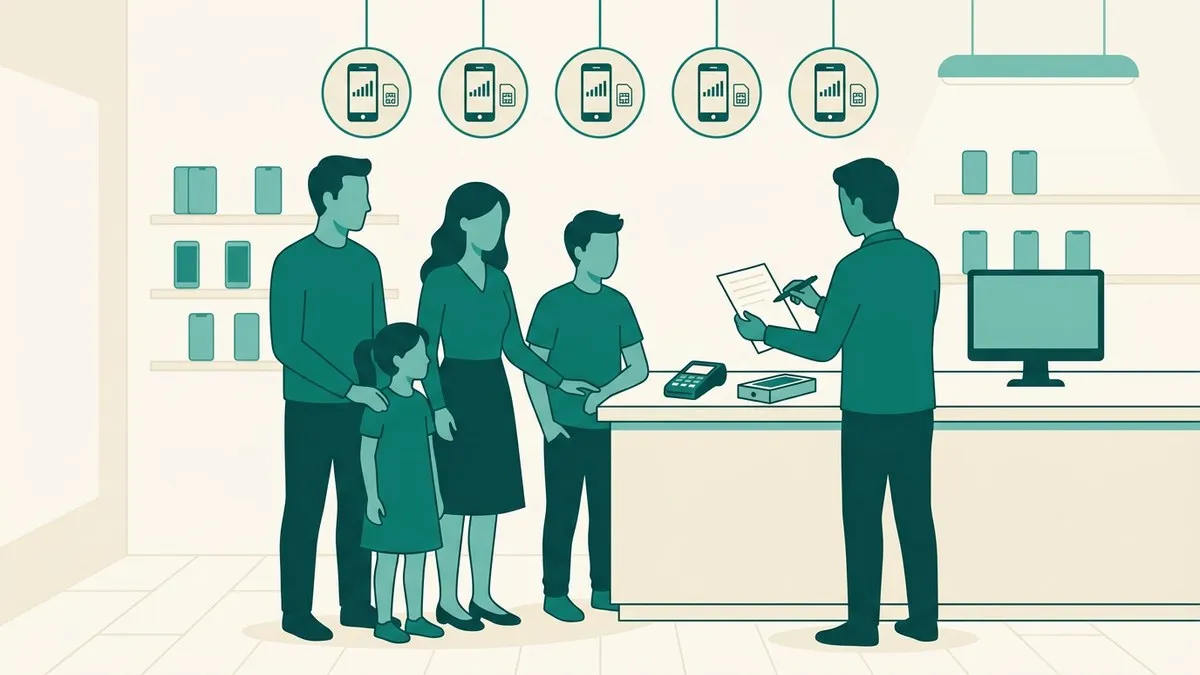
This time, I want to cover some store-specific obstacles I ran into when trying to handle multiple family lines together in one visit.
Obstacle #1: The MNP One-Stop system is online-only
The first thing I checked was the MNP One-Stop system.
It’s a handy setup that lets you skip getting an MNP transfer number if you’re switching from a supported carrier. The catch is, it’s apparently only available for online applications.
- MNP One-Stop: Online applications only — not available in stores
- Applying in-store: You need to get an MNP transfer number for each line beforehand, then use it to complete the process
- Bundling multiple lines together: Not documented on the official page — you’ll need to confirm this individually via chat or phone
In other words, if you want to handle everything together at a store, you need to get an MNP transfer number ready for each line in advance. It’s one extra step that online applications don’t require.
Clicking this opens the Rakuten login page. Once you log in, you’ll see the campaign details.
Obstacle #2: There are conditions for handling this as someone other than the contract holder
The other thing that caught my attention was the conditions for when someone other than the contract holder handles the paperwork.
In-store applications and cancellations, as a rule, require the contract holder to visit in person. There’s also a “proxy application” system for when the contract holder can’t make it in, but it comes with several conditions.
A proxy application apparently requires a power of attorney hand-signed by the contract holder, ID for the proxy, documents proving the family relationship, and a credit card in the contract holder’s name. Both the contract holder and the proxy must be adults, and each power of attorney only covers one line. So if a proxy is handling multiple lines at once, it looks like you’d need a separate power of attorney for each line.
For a minor’s line, the parent or guardian who holds the contract apparently has to come along in person. It seems the system isn’t set up to let a parent handle just their child’s line by proxy alone.
Wrap-up
Trying to handle multiple family lines together at a store runs into two obstacles: you can’t use the MNP One-Stop system, and proxy applications only cover one line at a time.
Taking care of whatever you can online ahead of time, or gathering enough documents for every line if you’re heading to a store, should cut down on the hassle on the day itself.
Program details and required documents may change going forward. Before actually going through with this, I’d recommend double-checking the latest information on the official site or in-store.
Clicking this opens the Rakuten login page. Once you log in, you’ll see the campaign details.
This article contains affiliate advertising. If you sign up for a product or service through a link on this site, we may receive compensation from the partner company. The site operator is also an employee of Rakuten Group and may receive compensation through an employee referral program. The content and opinions here are based on the operator’s own experience and research regardless of any advertising relationship, but please read with the above in mind. See the Disclaimer & Affiliate Disclosure for details. Disclaimer & Affiliate Disclosure
This article includes machine-translated content. Please check the official Rakuten Mobile multilingual page for exact terms.
If you have concerns about Rakuten Mobile coverage or signal quality, you can consult through the official signal improvement request form .