Good morning. It’s まさきん.
Here’s the short version: whether this add-on is worth it really depends on the person. The key question is how often you actually leave the house without your iPhone. Today I want to walk through what’s worth checking before signing up.
What is the Number Sharing add-on?
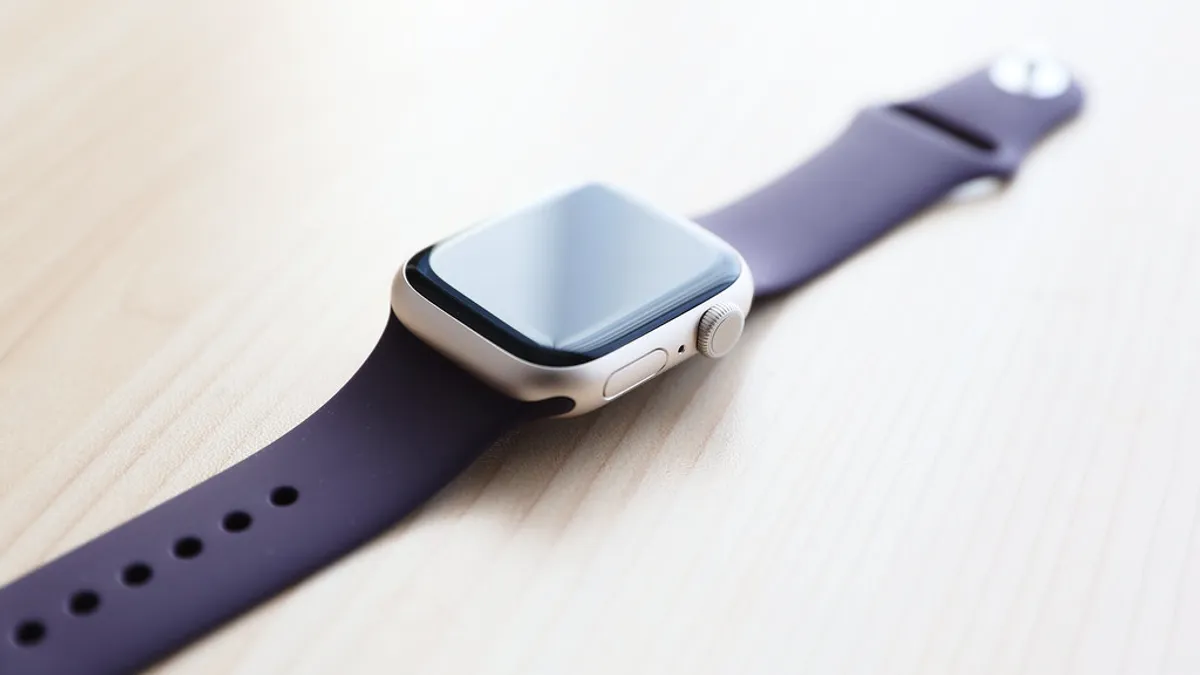
Apple Watch comes in a Wi-Fi model and a GPS+Cellular model. Even with the GPS+Cellular model, it can’t normally connect independently of your iPhone. That’s where the “Number Sharing” add-on comes in.
Once you add it, your Apple Watch gets the same phone number as your iPhone. You can make and receive calls without carrying your iPhone at all. Data still works too.
It’s the kind of feature that really shines when you want to travel light, like during a run or at the gym.
How much does it actually cost?
This add-on usually adds a few hundred yen to your bill each month. That single charge might look small. But it’s a cost that keeps showing up, month after month.
Add it up over a year, and it becomes a real amount. When people review their fixed costs, small add-ons like this are exactly the kind of thing that gets overlooked. I think it’s worth stopping to check.
I’ve been through something similar myself. A small add-on fee is actually what got me to review my phone bill in the first place. Even a few hundred yen adds up more than you’d expect.
Clicking this opens the Rakuten login page. Once you log in, you’ll see the campaign details.
What to check before signing up
Here’s what I’d want to think through before deciding whether to add this.
How often do you actually leave the house without your iPhone?
This is the single most important question. If you sign up just because it “sounds convenient,” there’s a real trap waiting. In practice, a lot of people end up carrying their iPhone with them almost every time anyway. If that’s you, you’ll just be paying the add-on fee every month for nothing.
Try watching your own habits for a week or two first. See how often you genuinely leave your iPhone behind.
The effect on battery life
Turning on cellular tends to increase battery drain. If you like keeping some battery headroom, this is worth keeping in mind.
Which devices and plans qualify
The conditions for this add-on can vary by device and plan. It’s worth checking whether your particular Apple Watch qualifies before signing up. Checking the official site is the safest way to get current details.
Who it fits, and who it doesn’t
Let me sum this up.
- Fits well: People who often move around without an iPhone, like during a run or a workout. People who want to travel light for school pickups or errands.
- Doesn’t fit as well: People who basically always have their iPhone with them. People who want to keep battery drain as low as possible.
Wrap-up
The Number Sharing add-on is genuinely convenient. But it’s also a fixed cost that shows up every single month.
I think the real deciding factor is how often you actually leave your iPhone behind. Using that as your yardstick should help you get real use out of it, not just pay for it.
Around here, we go through small add-ons like this one by one. It’s part of why we’ve been able to keep our overall phone bill compact.
It’s worth taking a look at your whole phone bill from time to time, add-ons included. I’d recommend checking Rakuten Mobile’s current plans and add-ons on the official site.
Clicking this opens the Rakuten login page. Once you log in, you’ll see the campaign details.
This article contains affiliate advertising. If you sign up for a product or service through a link on this site, we may receive compensation from the partner company. The site operator is also an employee of Rakuten Group and may receive compensation through an employee referral program. The content and opinions here are based on the operator’s own experience and research regardless of any advertising relationship, but please read with the above in mind. See the Disclaimer & Affiliate Disclosure for details. Disclaimer & Affiliate Disclosure
This article includes machine-translated content. Please check the official Rakuten Mobile multilingual page for exact terms.
If you have concerns about Rakuten Mobile coverage or signal quality, you can consult through the official signal improvement request form .